A few days ago I made a post about how the forums for AdventureGamers, which had existed for over two decades, were suddenly deleted with no warning. There was speculation it was from a bad site migration but no, it looks like they were intentionally deleted and the site is in the process of being converted to a gambling site. Here is my attempt to recap everything that happened.
It sounds like earlier this year the previous site’s owner Ivo had sold the site to a company that made an offer, based on this message in the AdventureGamers Discord from a moderator who had reached out to the former owner.
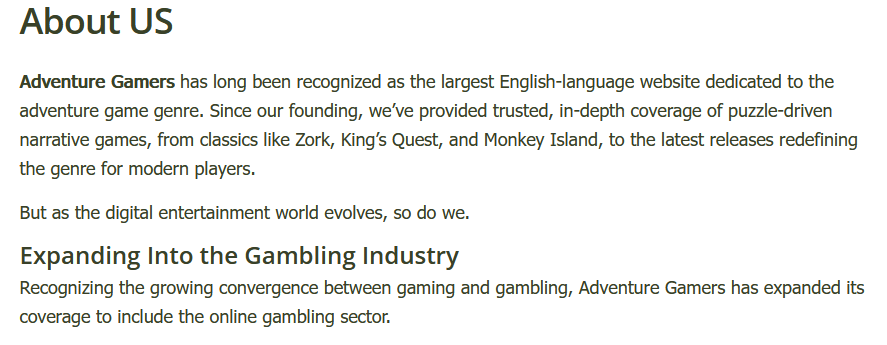
The site had been struggling for money for a while now. The site’s editor Jack, who had been here longer than Ivo, was let go a few years ago and went on to start Adventure Game Hotspot, and many of the staff who were working for free left to help with that. I believe an offer to buy the site then was also declined. So I’m not completely shocked the site was sold, but was definitely not prepared for the site to be bought by a gambling company that would delete the forums, break tons of links in the process, and replace huge amounts of text with gambling crap, like this deeply cursed About Us page.
So I suppose that if you wrote for the site or you’re a developer who wants to save a positive review of one of your games, now would be a good time to grab it. I understand having to sell a site but it makes me angry that a place with so much history was just sold off to a gambling company with no care for the history or community there. In addition to everything here, AdventureGamers had also grabbed all the assets for another old adventure game site, Just Adventure, about a year ago with the intention to preserve that. Is that going to be wiped out for gambling info too? Who knows!
There’s also an AdventureGamers patreon that is still running. I have no idea if money is being made off this and if so, is the money going to the previous owner or this new gambling site? The idea of either grosses me out. Like I said at the top, this info was grabbed from the AdventureGamers Discord, which was basically inactive, so it seems very unlikely they know about it. I’m glad that Adventure Game Hotspot is going and is basically AdventureGamers in everything but name, but that doesn’t make up for the history getting wiped out by this sale. I don’t necessarily want people looking at forum posts I made when I was 14, but there was also a lot of history in that community during a very specific time for the genre. That said, they’ve been planning a forum at AGH for a while, before this AG forum deletion happened, and it should be up very soon. I hope that the community can land there and events like the community playthroughs can happen again.
I know it’s not the same as a forum, but I’ll also mention the Adventure Game Club Discord I run, where we do monthly playthroughs and discussions of adventure games, new and old. If you’re curious, feel free to join. There’s no intro channel, so no one will know if you join and spam you with welcome messages. It’s totally fine for you to join, see if it’s your vibe, and leave if it isn’t.
It’s a shame this happened to such a long running community, a site that started in 1998, during a time when the internet continues to feel a little smaller every year.
I didn’t realize it until someone said something in the basically dead AdventureGamers.com discord, but apparently the forums for the site are gone after being around for 25+ years. I haven’t posted there in a very long time, but it used to be a place I hung out a lot about 20 years ago when the genre was struggling commercially and in a very weird place. The site itself is still up and posting, I suppose they just decided the forums weren’t worth the cost anymore. The last time I checked, maybe about a year ago, it was still active. It certainly wasn’t as busy as it was a decade or two ago, but people were still posting there and doing their community playthroughs. It was definitely more active than the AdventureGamers discord and it doesn’t sound like the mods were aware that it was going to happen because they were in the middle of holding a vote for their next community playthrough.
It was a weird place since it happened to be a very weird time for the genre. I had moved there from the Just Adventure forums (also gone), which were getting a bit too grognardy for me. My memories of the adventure game community at the time were that a lot of hope and pressure was placed on every notable game as “The One” that would make the genre commercially big again. So stuff like Broken Sword 3, a game that I think is perfectly fine, getting so much hype behind it because it was one of the bigger releases. I guess this is ignoring stuff like Professor Layton and the Ace Attorney series, which were far more popular but just didn’t seem to get as much attention in the community from what I recall? There was a massive thread at one point because The Moment of Silence, a game that was hyped up at that point and one that I ultimately didn’t care for, got a negative review in PC Gamer and attitude at the time was that critics just “hated” adventure games and that’s why they were getting negative reviews. This was ignoring that some of the better ones got better scores but that would destroy the narrative. Anyway, one or two critics had jumped in to try to explain things and it just turned into a lot of arguing before the thread was locked because it was a ridiculous argument in the first place.
Ultimately I ended up moving on to the Idle Thumbs forums because I don’t stay at communities longer than 5-10 years but the forums kept going until now, so it’s a little sad to see it gone. It’s a weird time for forums since people seem to mostly use Discord now, but that’s a company that controls everything and no one can see what any Discord community looks like until they join it, so that isn’t great either. The other community I was very active on during this time was the Shacknews chatty, where I recently learned that also imploded in the last year (possibly from management decisions, not sure) and looks to be essentially dead now. Oh well. At least Paper Cult Club, a ttrpg forum, launched this year and has been nice.
Something I’ve thought about posting for a while is a list of everything I follow in my RSS feed reader and now that I’ve seen exactly one person asking for most feeds to follow, that is enough for me to put together a list on Google Sheets. I’m still using Inoreader even though AI crap is starting to creep in since it seems to be the best one for my needs but maybe I’ll switch. I think RSS is the best way to follow sites since I don’t have to constantly check social media to make sure I don’t miss anything.
There are some massive warnings and caveats about this list:
Look, I know it’s a mess but it’s my trash heap and I can live in it whatever way I want. That said, I’m going to clean it up and divide it better.
I’ve divided it into different topics but websites are more than one thing and a lot of these could be categorized better.
I also totally half assed that description field once I saw how big it was getting.
Don’t be offended if I left your site out. There’s already been a few sites I added this morning that I was a fan of but realized I had only been looking at them when I saw their posts on social media, which is something I’m trying to pull away from. I welcome more sites so please link to yours here in the comments or as a reply on wherever you saw this posted.
With all that said, I hope you find this giant list useful and add some things to add to your RSS feed reader. If you’re looking for more websites, I also have my Cool Site Zone
I’m so sorry but I’m still thinking about that season finale of Doctor Who and have to put down my thoughts so they will leave my brain. Obviously this will have tons of spoilers so beware. It’s also very rambly.
Well ok, that was a weird and frustrating one. For the most part I really loved this season of Doctor Who. I would even go as far as to say that it’s probably the best season the show has had in a long time. I even really liked the first episode of the finale and lots of parts of the second episode too. I don’t think it’s RTD’s worst finale, he’s had other ones that I think were stinkers, but man oh man, parts of this were very frustrating. A lot of that frustration is maybe unfair. Ncuti has left the show and I wanted him on for many years. He was fantastic and I would have no problem if he had stayed on for another 10 seasons. To some extent I feel that way about everyone that stars in the show, but he was great. There’s also the aspect of the fandom being total chuds. I guess every fandom can be bad but it seemed to really stand out that parts of the fandom were basically rooting for the show to fail and kept pointing out the ratings. This never made a whole lot of sense because as far as I can tell, people were also streaming the show instead of watching it live so yes, of course tv ratings are going to be off. That’s kind how that works. Didn’t really make things less frustrating.
It doesn’t help that the regeneration itself seemed to be pandering to those people and stunt casting to boost the chances of Disney picking it up or whatever the logic was. I’m sure she’ll be great, she’s a fantastic actress, but we just had a stunt regeneration two years ago so it’s tiring to see it again. It sounds like the show is still happening whether Disney picks it up or not and there will just be a delay if they don’t. This is also going to kill me if we have to wait two years to see what happens next, because I’m still a fan and need to know. Everyone keeps being coy about how the credits don’t actually introduce her as The Doctor, so maybe the Doctor immediately changes their face to someone else and Jeff Minter is actually the next Doctor, but I’m going to contradict myself and say that if she is the next Doctor, she should stay on for 8 years. If someone is the Doctor, I want them to stay on for a very long time! I know this comes at the expense at whatever actor comes along next and also kicks ass but I want someone to beat Tom Baker’s record.
I’m also not going to dig into it but that finale had some really weird gender role stuff too that I didn’t care for and it just feeling like a very rushed episode.
So what did I actually like about it? Well, quite a bit actually. It was great to see Jodie come back. She’s great and I’m looking forward to her audio dramas with Big Finish. Ncuti was great as usual and some of his best acting was in this. I don’t see him doing audio drama stuff but I thought that about Eccleston and was wrong there. The two Ranis were also great and it’s too bad we’ll probably never see one of them again. I know Doctor Who can write itself out of anything but…well, it doesn’t seem super likely. A lot of people hate what they did with Omega but I don’t really mind. It’s fine.
Anyway, lots of people were yelling about how RTD has killed the show and I don’t think that’s true. I’ve actually really enjoyed most of his run so far, which has surprised me since I was so ready for him to leave during his original run, but I also wish it wasn’t looking backward so much.
I was supposed to write into Quest! Quest! about this but dropped the ball so now it’s a blog post. So first I’ll say that if you enjoy adventure games, you should listen to the very good and funny Quest! Quest! podcast. The topic of co-op adventure games had come up and there’s not a ton, but they exist. This post is also going to ignore the escape room games out there. It seems like there’s a few of them and people like them, but I just know nothing about them because I’m more focused on traditional adventure games. But Escape Academy and Escape Simulator are out there and seem nice. This is also ignoring that really any adventure game can be a co-op game if you just share your screen and work together to solve puzzles.
We Were Here Together
The We Were Here series has you and a partner split up as you walk through a series of puzzles in a location such as an old castle and communicating through walkie-talkies about what you see. The game wants you to communicate through the in-game chat and not a voice chat outside of the game like Discord because of how walkie-talkies work and only one person being able to talk at a time. The first game in the series is free if you want to try it out.
The Last Night of Alexisgradis an asymmetric, two-player interactive fiction where each player takes on the role of a leader of a nation on the last night of a war. It’s built in Twine and the way this one works is that you each play up until a certain point, the game provides you with a code, and the other player inputs the code that you received to see where the game takes you next. I wouldn’t say this one is co-op at all, but it was interesting to see a multiplayer Twine game and I really enjoyed the writing in it.
And of course there can’t be an adventure game article by me without mentioning Myst Online. It’s one of my favorites. It’s still up and completely free too!
The rest of these I haven’t played but hope to some day. If you’re reading this and we know each other, let me know if you want to play one of them.
Tick Tock: A Tale for Twois a 2D point-and-click adventure where you are both trapped in a magical world and must escape. It features cross-platform play and the artwork looks nice.
Operation: Tango is a first person 3D adventure where it looks like you and a friend are doing spy stuff to save the world. A nice thing about this one is that it looks like only one player has to buy the game and the other player can play for free.
Whispers in the West is a point-and-click western murder mystery that supports co-op for 2-4 players. The base game includes a tutorial, mini mystery, and full length one with DLC for additional mysteries. This is another one where only one person has to buy the game and everyone else can play for free.
The Past Within (Steam/Itch.io) is a co-op first-person point-and-click adventure in the Rusty Lake series. Puzzles involve one person being in the past and one in the future and communicating in whatever way they want. I haven’t played it but it looks like they aren’t directly connecting to each other over the internet in-game and just rely on what the other person sees to solve puzzles. Both players need a copy of the game to play but it sounds like both paths are very different.
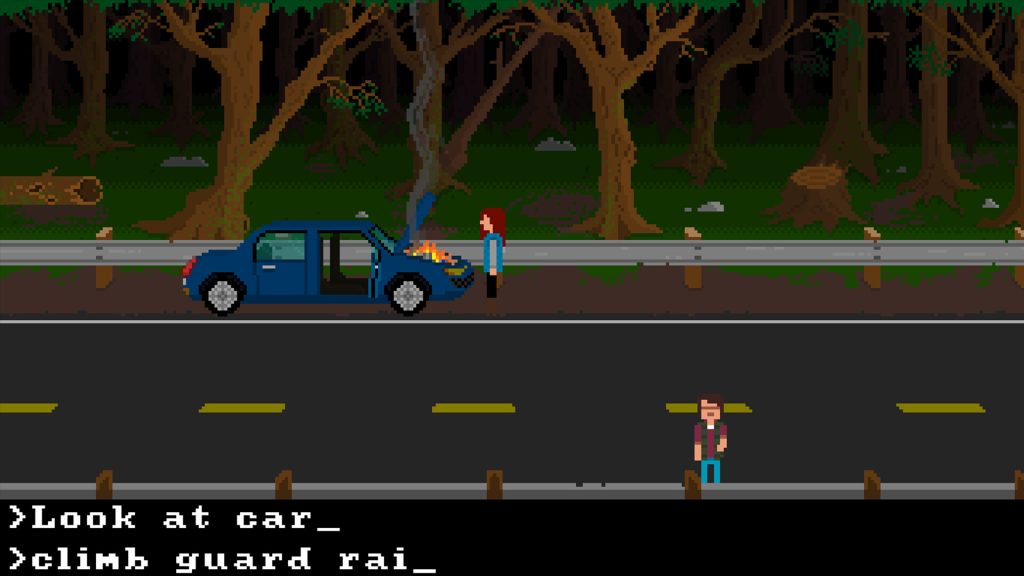
A Lively Haunt is a horror graphic parser game in the style of early Sierra adventures like King’s Quest and Space Quest where you walk around and type your commands. This one supports two players on the same machine by having two keyboards plugged in, but I imagine that playing through something like Parsec would work too? I learned about this one from WilcoWeb!
I suppose all the games like It Takes Two and A Way Out by Hazelight Studios could count as well. They aren’t my thing but good luck to all game developers I guess.
Shivers 2 and Zork: Grand Inquisitor also shipped with multiplayer. I believe they just allowed a player to connect and use a mouse cursor to point at stuff and type comments to help solve puzzles. The online services for both shut down a long time ago but I think it’s interesting they were attempted. I’m guessing they were pressured to insert online multiplayer into their games since they were the hot new thing, and it feels like a proto version of sharing your screen over Discord. The demo for Quest for Glory 5 also shipped with co-op and it would have been interesting if that made it into the full game. My understanding is that you can still play that one but it’s a massive headache to get working.
Well, that’s all I could think of but I would love to hear other recommendations!
EDIT: Since this post a month ago I’ve discovered some more!
If you’ve been following my indie game roundups, you’ll know that I’ve been in shock at how many adventure games have been coming out lately. I’ve never been an “adventure games are dead person” but even as someone that’s a bit touchy about that subject, I feel more comfortable lately saying it’s a great time to be a fan of the genre. If you like this post, both Adventure Game Hotspot and Adventure Gamers (EDIT: Just kidding, as of 6-13-2025 AdventureGamers is now a gambling site!) do a much better job of covering new adventure games than I do and you should add them to your RSS feed reader. You can even check out the calendar on Adventure Game Hotspot for more games released this year. You may also like ChoiceBeat for Interactive Fiction and Visual Novel coverage.
I also think Fireflower Games deserves a shoutout. If you’re looking for DRM-free adventure games, consider picking up a game from their store. Itch.io doesn’t get every indie game and this site has done a pretty good job building up a catalog of games from various adventure game folks. Plus a chunk of their proceeds gets donated to environmental groups (see their FAQ).
Anyway, here have been some of the ones I’ve come across this year. Some of the descriptions will be recycled from previous roundups (reusable content baby!) just because this list is massive and is already taking a long time. It’s also not even counting all the great interactive fiction games. Please leave comments with other games that you’re excited about because there’s definitely a lot I’ve left out. I was going to also include upcoming adventure games and others that have entered Early Access, but this post is already too big so I’m splitting that into a separate post along with one featuring adventure games I’ve enjoyed in the past few years before 2025.
Amerzone (Steam) got a remake and it looks great. I was a fan of the original and from looking at the Steam review, it looks like the remake does the game justice.
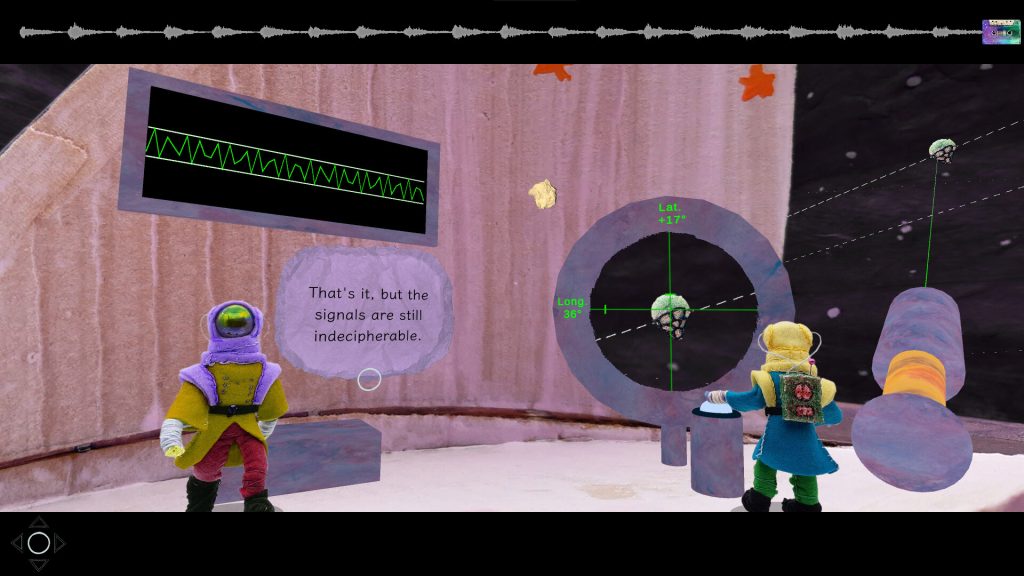
Asterism (Steam) is an interactive concept album by Claire Morwood, filled with lovely music, but the highlight for me is this stop-motion art. Everyone probably knows by now that if a game has stop-motion art I’m required to put it in here. Look at it! Incredible. It also has a demo.
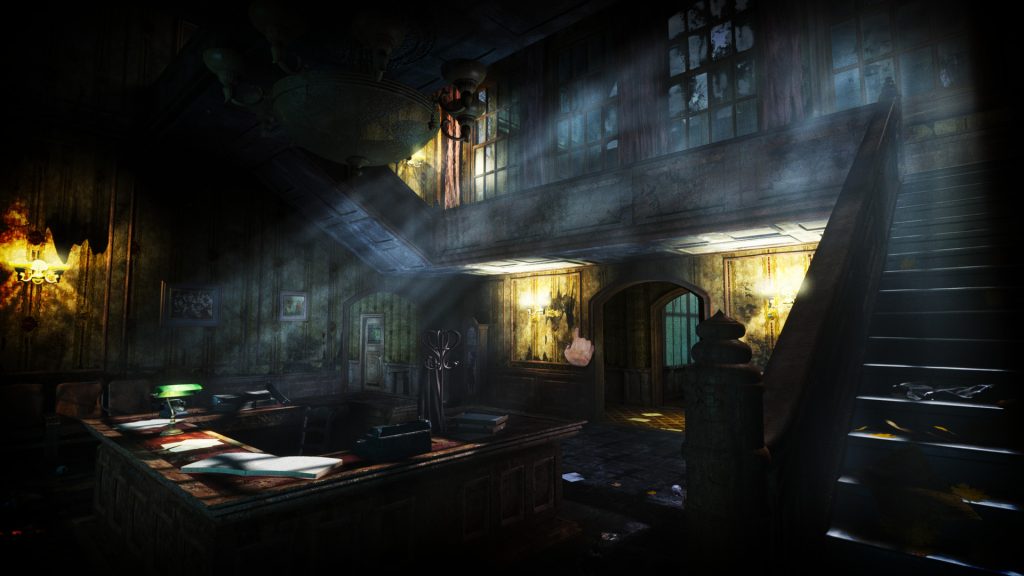
After being in development for over a decade, horror point-and-click adventure ASYLUM (Steam) is now available. I’m a fan of the developer’s previous game Scratches, which is no longer on Steam due to a fallout with the co-designer, although they have said it’s fine if people find that game….online. They also have a free adventure game they released 10 years ago called Serena.
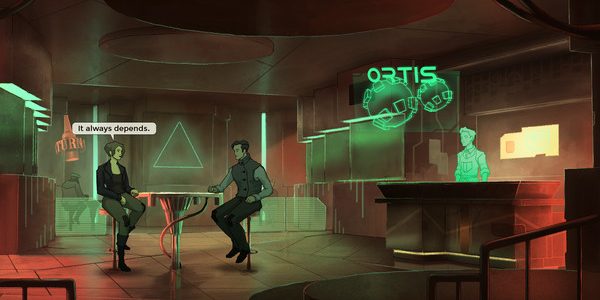
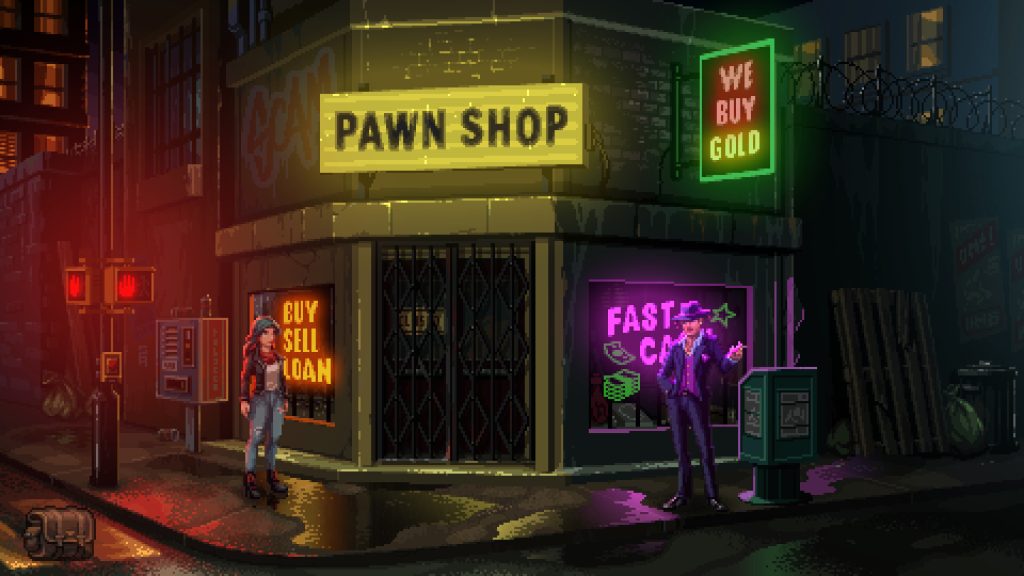
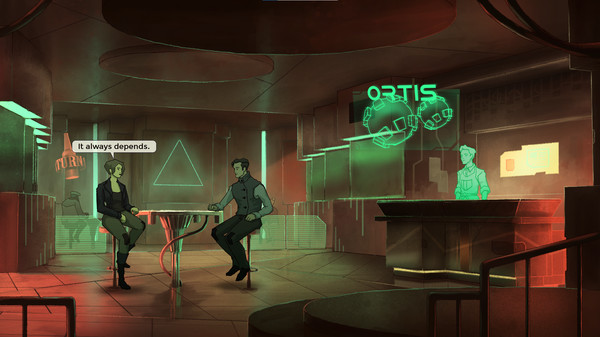
Au Revoir (Steam) is a cyberpunk point-and-click adventure described by the HauntedPS1 curator page as “Blade Runner Point and Click with a Haunted PS1 coat of paint. The puzzles ask you to really pay attention to the environment around you, but luckily that environment is a treat to take in.”
Do I even need to post about Blue Prince? I think everyone knows about it at this point. I’m not sure if a roguelike adventure game is for me personally but it sounds great and even the developers of Myst are very into it, so consider checking it out. It’s fun seeing a roguelike adventure game being such a massive hit vtoo.
I fully support people making adventure games with big heads like in the original Maniac Mansion, so THE BRiLLiANT COUP (Steam) is a game that got my attention.
My understanding of the new Carmen Sandiego (Steam) is that it actually does a pretty good job maintaining the spirit of the original games even with it having 3D platforming elements.
Citizen Sleeper 2 (Steam) is maybe I weird one to include here because some people think of it as a rpg, but it’s Interactive Fiction enough for me to include. Absolutely loved the original and just haven’t gotten around to this one yet. I will someday, hopefully soon, and I’m sure I’ll love it.
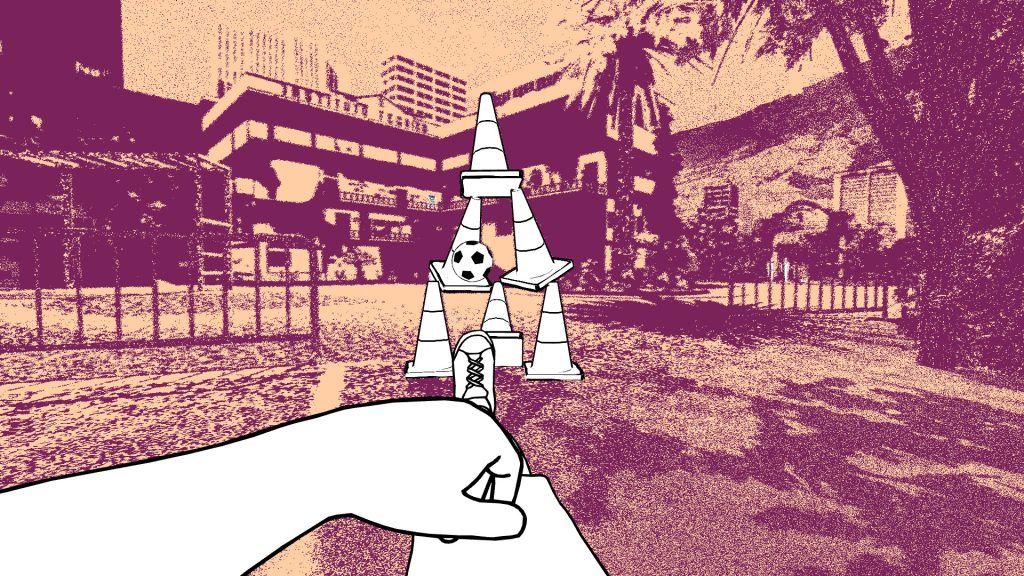
despelote (Steam) is a game that I’ve heard a ton of praise for in the lead up to its release. I think it looks fantastic.
Discolored 2 (Steam) is a first-person puzzle adventure game inspired by the Myst series, with a focus on puzzles based around color. I was a fan of the first game and this looks like it builds on that to create a bigger game with characters you interact with.
Duck Detective: The Ghost of Glamping looks like a really cute detective game and the Steam page says it’s only 2-3 hours, which sounds great to me. I guess it’s a standalone sequel to a game that came out last year.
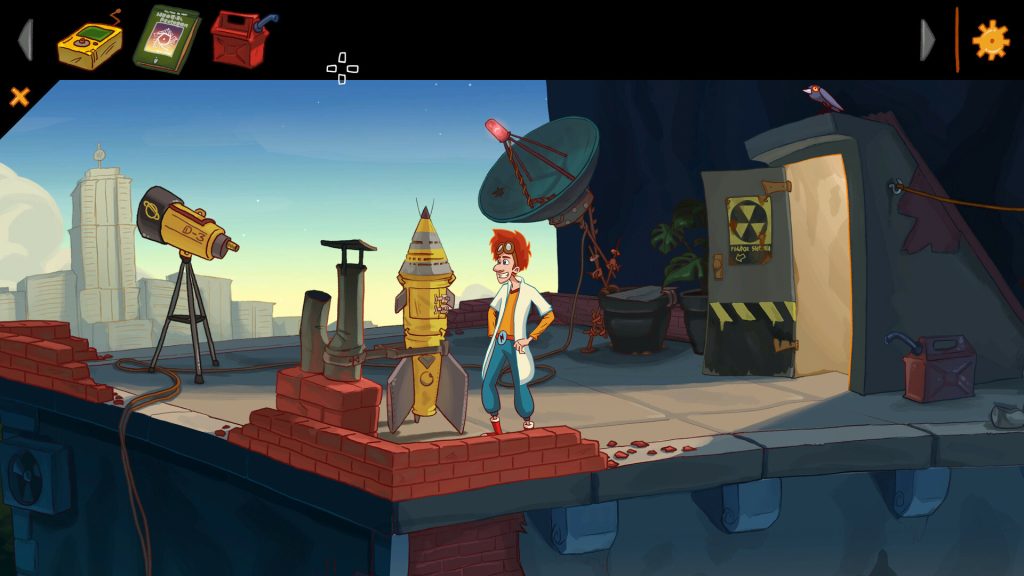
Elroy and the Aliens (Steam) is a new point-and-click adventure where you play as Elroy and Peggie in the search of a long-lost father in an alternate version of the 90s. It looks like a very charming adventure game and there’s even a demo if you want to give it a try. I’m not too familiar with the team other than it has Robert Megone working on it, who has also worked on games like Return to Monkey Island and Thimbleweed Park. A recent video from the Space Quest Historian even has him saying it’s one of the best adventure games he’s played recently.
ENA: Dream BBQ (Steam) is a free first-person adventure game where you explore surreal environments.
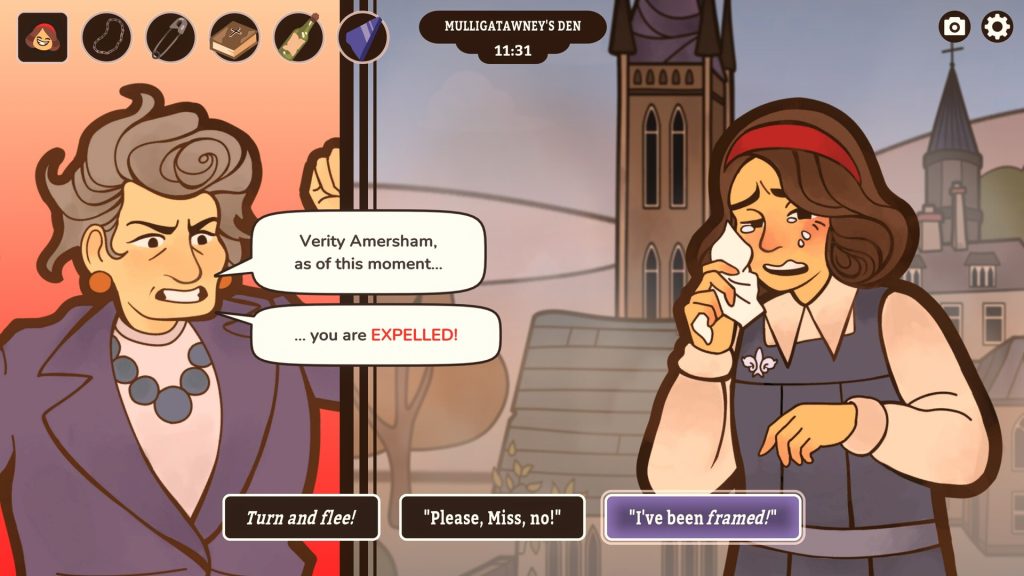
Expelled! (Steam/Switch/iOS) is the newest game by interactive fiction developers Inkle. You are a student at a school that has been framed for attempted murder and must prove your innocence or find someone to take the fall in a limited period of time. It follows a similar framework as one of Inkle’s previous games, Overboard, which I was a massive fan of. Hooray for interactive fiction.
Frog Bard (Steam/Itch.io) is a short, poetic experience about finding inspiration in the world around you.
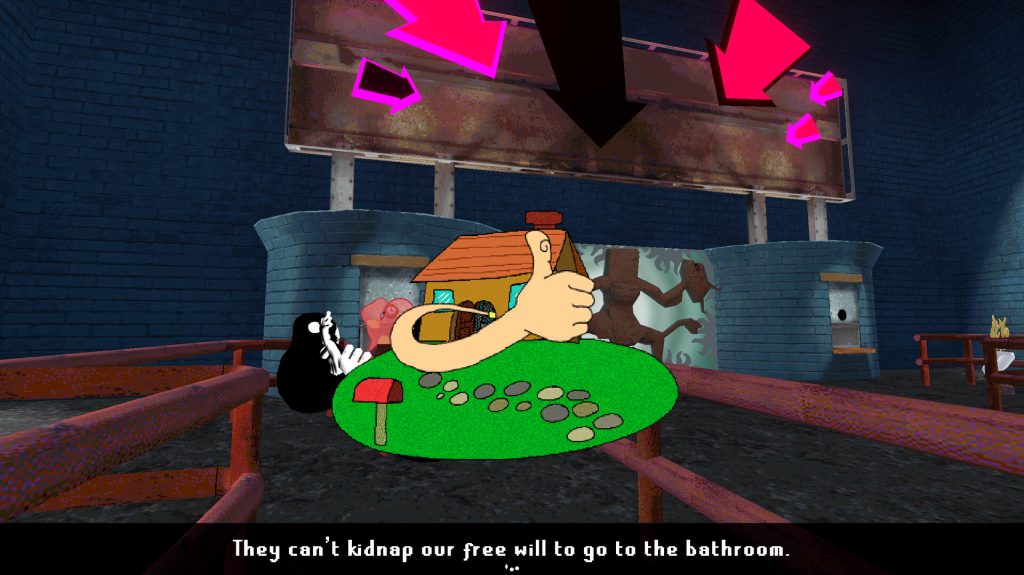
I don’t really know what Ginger (Steam) is but I keep seeing people recommend it and saying how weird it is, so I guess take a look if you like weird adventure games?
Lost Records: Bloom & Rage (Steam) is the newest game by DON’T NOD, creators of the Life is Strange series. I haven’t played it yet but I imagine if you like those games, you’ll also like this. It’s set in the 90s in northern Michigan so it feels targeted directly at me.
I don’t know a whole lot about Many Nights a Whisper (Steam) but it looks like a beautiful adventure game (or at least adjacent to the genre), has quite a few positive reviews, and it’s described as “A short interactive essay on dreams, pressure, and expectations. Take part in an ancient ritual where one shot determines the fate of a generation.” and that sounds interesting to me.
Metamorph (Steam) is a horror adventure game described by the HauntedPS1 curator as “Fantastic short Kafka inspired game with HPS1 vibes. Discover the ordeal of being known and, if you’re lucky, the rewards of being loved.” Does that make it a Bad Mojo-like?
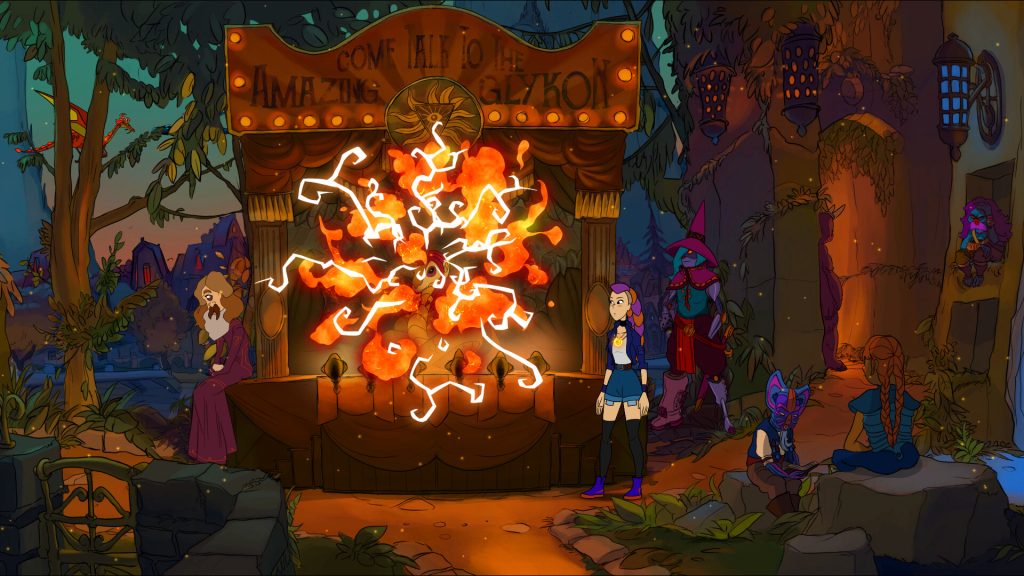
Near-Mage (Steam) is the newest game by Stuck in Attic, developers of Gibbous. You discover you are a witch and attend the Transylvanian Institute for Magick.
Neon Hearts City (Steam/Itch.io) is the newest adventure game from Cosmic Void. I’m a fan of Cosmic Void’s previous games and I’m looking forward to digging into this one too. I just don’t know how they manage to put out so many solid adventure games so quickly. I know there’s folks helping like Stephen Don (check out his games too) but man, that’s still a lot of games.
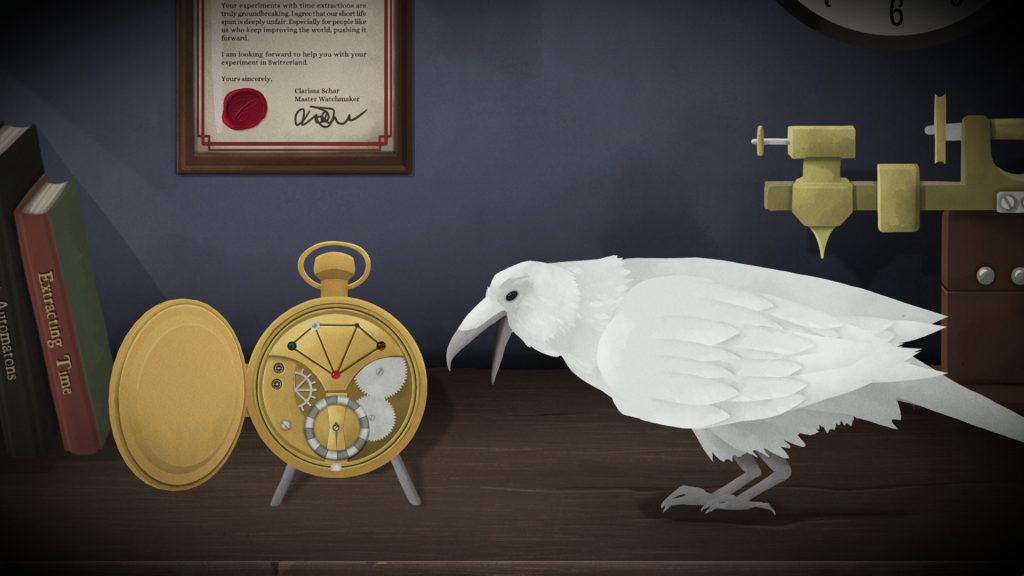
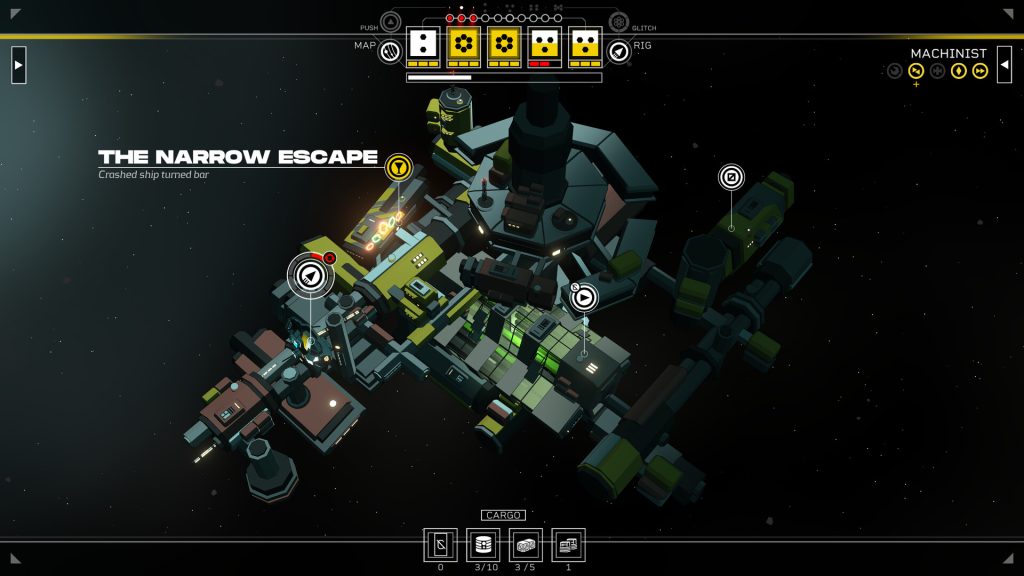
Old Skies (Steam) is the newest game by Wadjet Eye Games. I’m so happy this is out. I got to play a beta and think it’s one of their best, if not best, point-and-click adventures, and replaying the game right now confirms that. It’s a time travel story featuring incredible art by Ben Chandler and great voice acting by a lot of the folks that have acted in previous Wadjet Eye Games adventures.
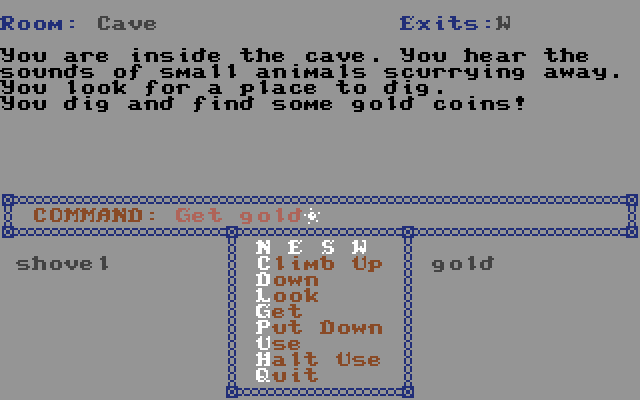
People are still making games for the Commodore 64. Pirates of the Black Seas (Itch.io) is a new text adventure available for Pay-What-You-Want created with the classic IF writing software Quest Writer by Loadstar.
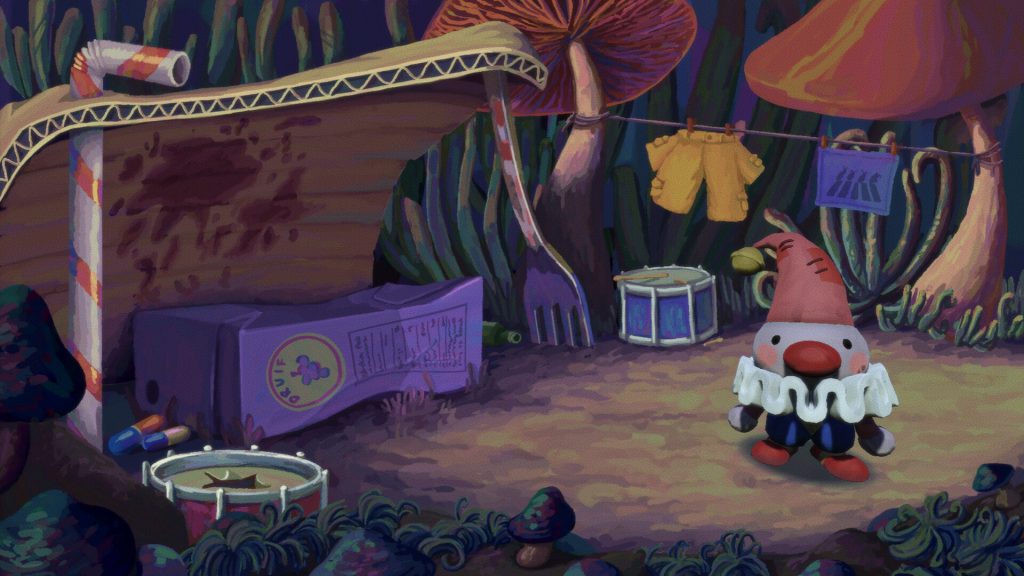
Poco (Steam) is “a 2D/3D hybrid point-and-click adventure game where you play as Poco, a two-inch tall clown who is banished from a giant walking circus, and left to fend for themselves in the undergrowth of the Below World.” The art in this looks fantastic, it has hundreds of positive reviews, and it’s free!
Promise Mascot Agency
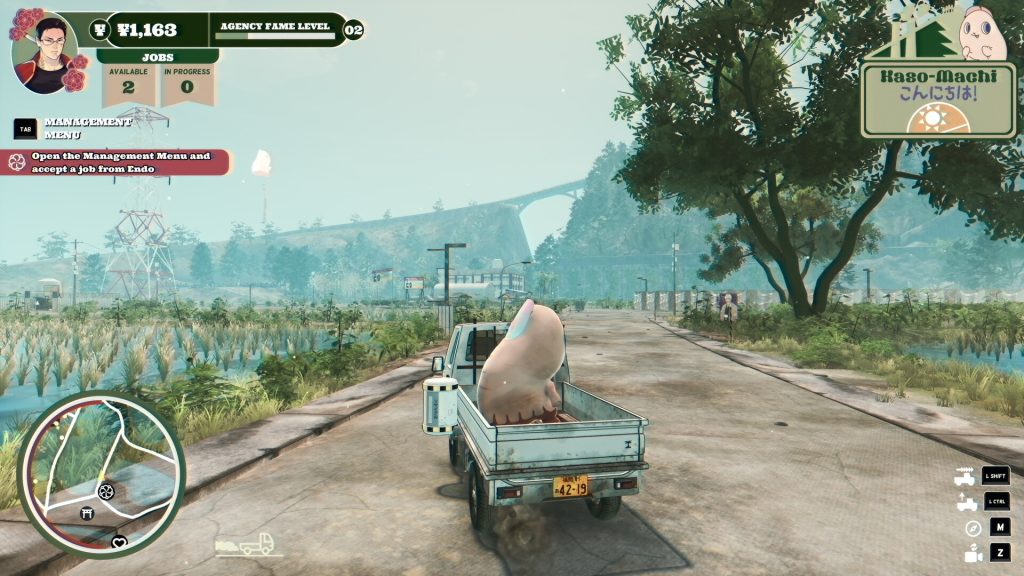
Promise Mascot Agency (dev site) is the newest game by the developers of Paradise Killer. It’s an open-world adventure game/mascot management sim and has been a total delight to play. The soundtrack by Ryo Koike and Alpha Chrome Yayo has been a highlight for me. This one was a little bit of a stretch but if Adventure Game Hotspot says it counts then that’s good enough for me.
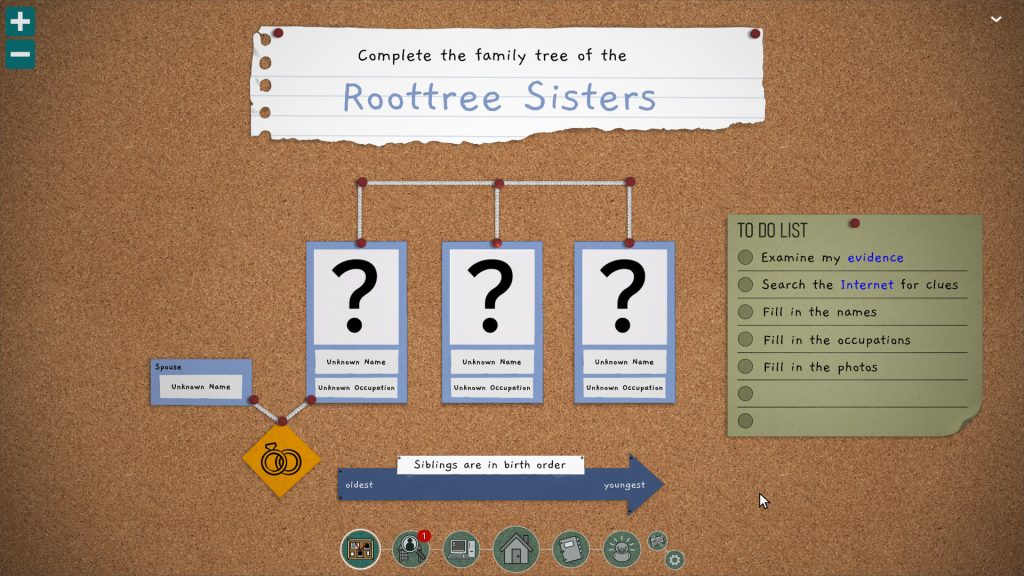
The Roottrees are Dead (Steam) is an expanded version of the original hit game created for Global Game Jam 2023.
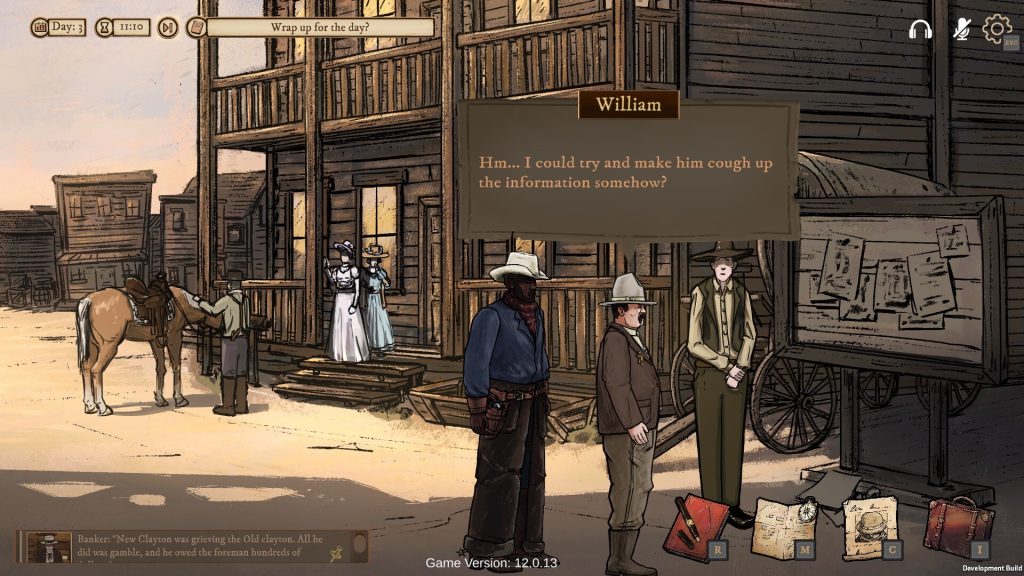
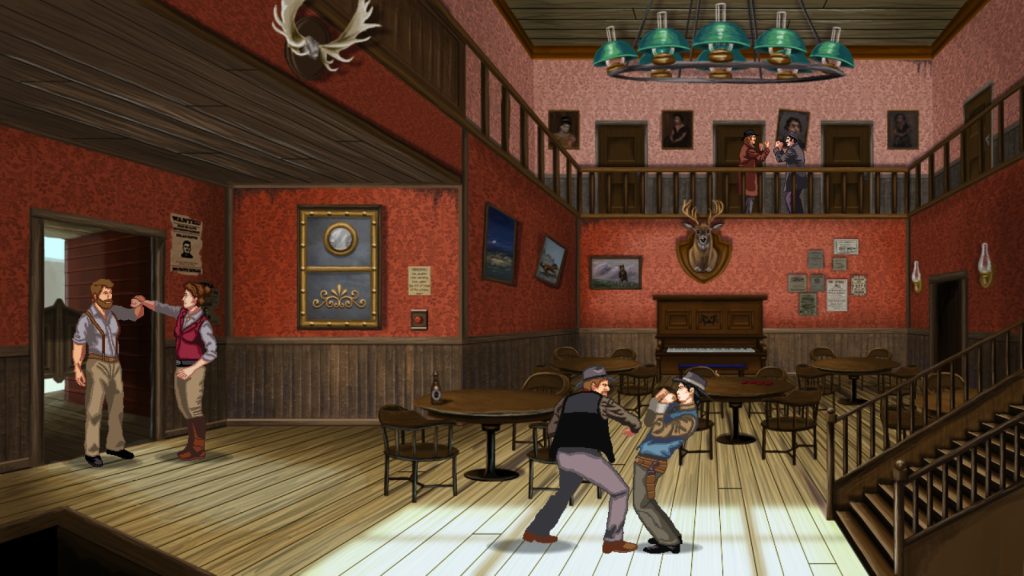
One of the biggest releases for me this year is the point-and-click adventure Rosewater (Steam), a western adventure by the creator of Lamplight City, and set in that universe but you do not need to play that first (but you should also play that). It’s a fantastic game and man, look at all those rotoscoped animations!
Slender Threads (Steam) is a paranormal point-and-click adventure that I’ve seen get a lot of praise by folks in the adventure game community.
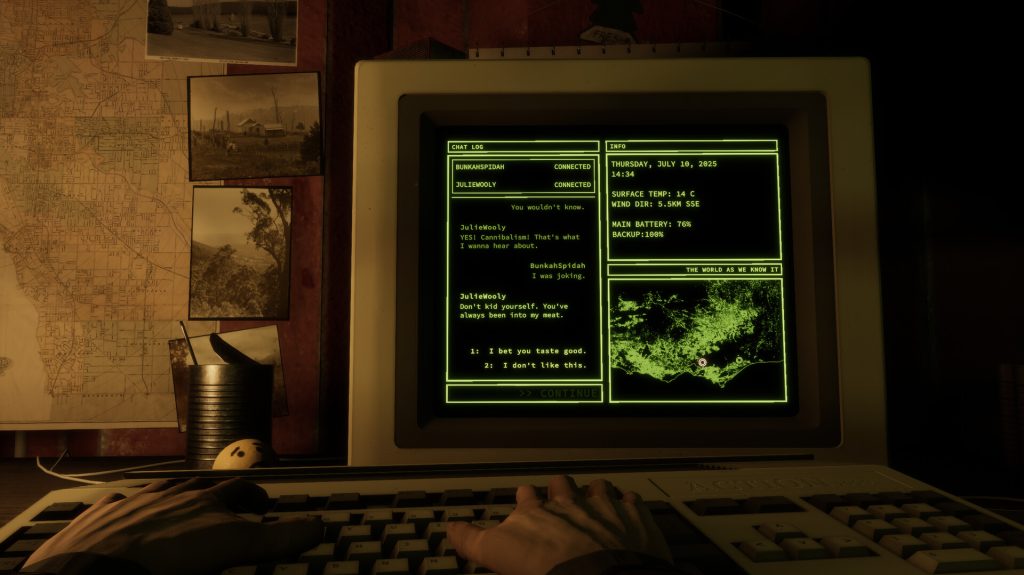
Spider Land
Spider Land (Steam/Itch.io) is a short interactive fiction about a doomsday prepper and is available for free/pay-what-you-want.
Spring Thing is a yearly IF competition that’s always worth a look.
Stellar Mess: Operation Kush (Steam/Itch.io) is the second part in the Stellar Mess series. As an enjoyer of the era of Lucasarts adventure games where the art was in EGA and people had big heads, I think it deserves a shoutout.
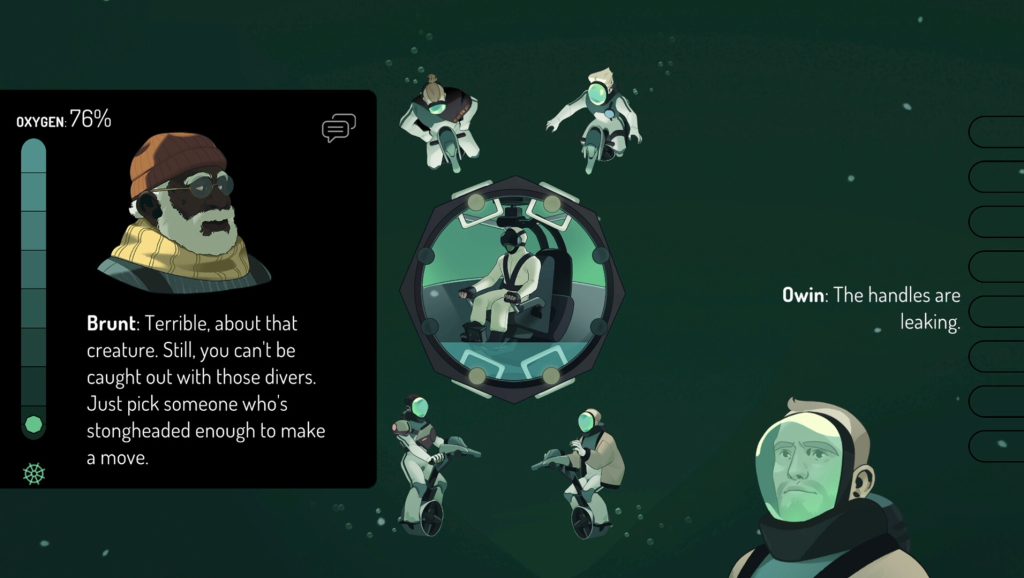
Sub-Verge is a game where you control a group of deep-sea divers and looks incredibly stressful, haha. I think it looks really good though.
The Talos Principle: Reawakened (Steam) is a remake of the first game and adds the DLC and some new stuff with some snazzy new graphics. I’ve been a long time Croteam fan so it’s interesting to me darn it.
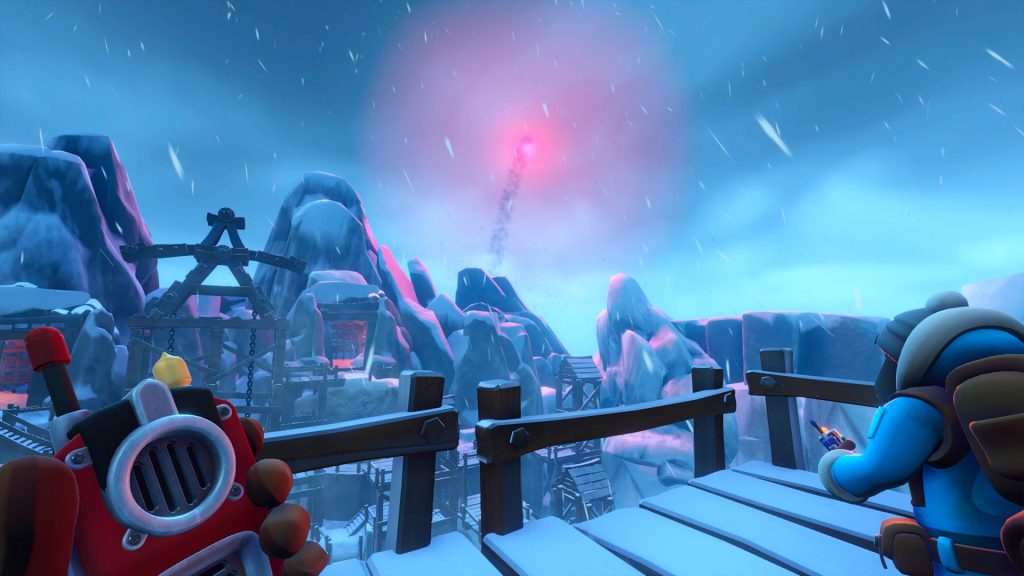
the Devil rais’d the storm (Itch.io) is a visual novel/adventure game about locating a radar signal deep in the canyons near your remote outpost. Available for just $2.
Type Help (Itch.io) is a brilliant Obra-Dinn/Roottrees are Missing-like that is free and playable in the browser. Don’t really want to give too much away but it’s very impressive that this was all done in Twine and critically acclaimed interactive fiction author Andrew Plotkin has also discussed why it’s brilliant on his blog.
I don’t really know where to categorize all of these things but feel like they should be shared, so here’s kind of a link dump of retro gaming stuff I’ve come across in the last month that I think is neat.
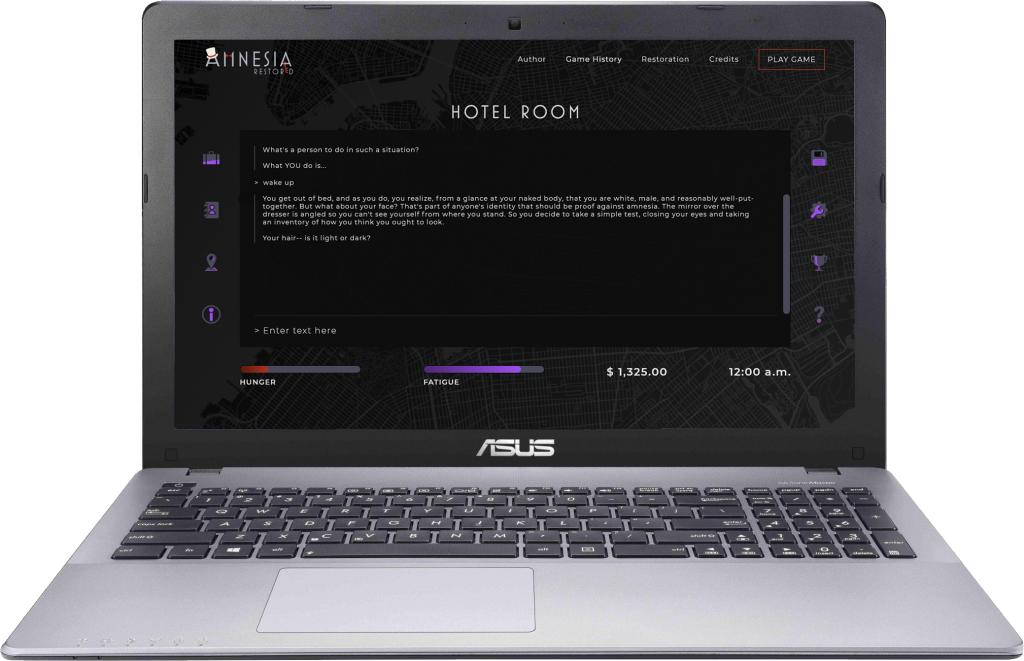
The 1986 adventure game Amnesia has a very nice restoration where you can play the game as it was originally released on the C64, Apple IIe, and PC, but it also has a contemporary web mode with tons of quality of life features added.
A new ZX Spectrum fan zine launched about a month ago and it’s available for free on Itch.
denzquix has done a lot of great translations of adventure games and the latest is for Bi-Fi: Action in Hollywood, a promotional point-and-click adventure game from 1994 for Bi-Fi Rolls, a salami-based snack originating in Germany and sold across Europe. You can read more about it here on BlueSky.
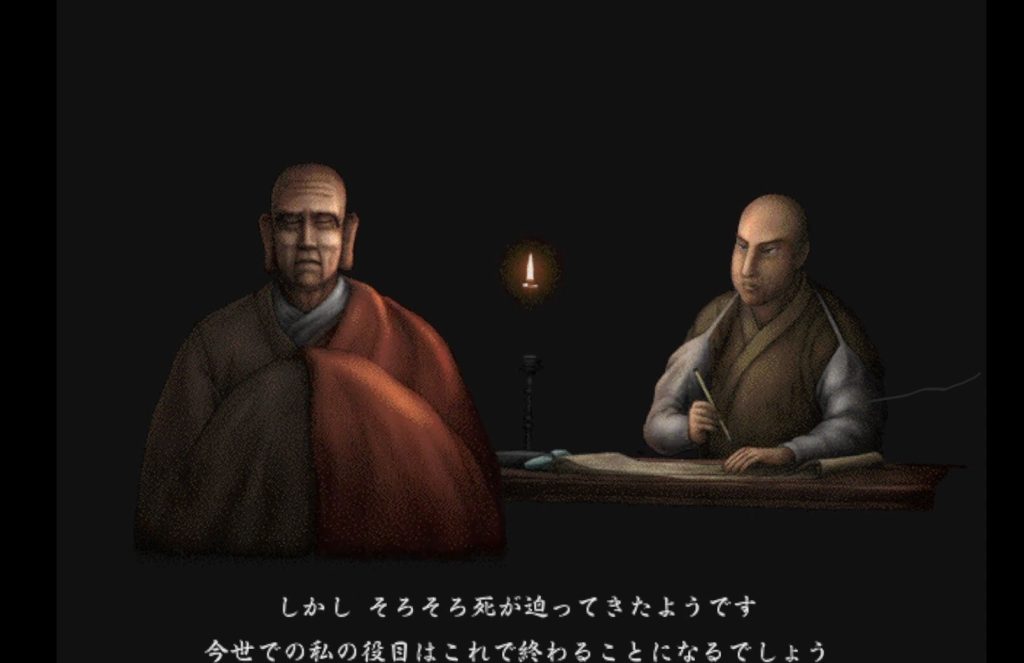
The cd-rom TRIPITAKA 玄奘三蔵求法の旅, the sequel to the legendary Cosmology of Kyoto has finally been saved and put on the Internet Archive! It’s incredible that this has been preserved and you can read more about it on BlueSky. If you’ve never played Cosmology of Kyoto, it’s currently abandonware but you can treat yourself to this nice repackaging of it.
This looks like a nice update of the classic DOS game Abuse.
Rex and the Galactic Plague just looks like a fun teaser for an Amiga game and the dog reminds me of K9 from Doctor Who. Sometimes I just get excited about people still making Amiga games and this one is on Itch.
Project Magma is a restoration of the game Myth that’s new to me and maybe it’s new to you as well. If you’ve never played Myth before, it’s great!
Idk, that’s all. This isn’t a recurring bit on this blog. I just wanted to share all these things because I think they’re cool.
just watched the latest episode and man, this season has been so good. Probably the best the show has been in a long time and I wish it kicked off with this quality level last year, even if I liked that season too. I won’t spoil anything but the latest episode was just such a nice surprise for fans of the old series and I’m looking forward to what happens next. Just so much I would never expect to see and last week’s episode was even better in terms of the writing level. Good stuff!
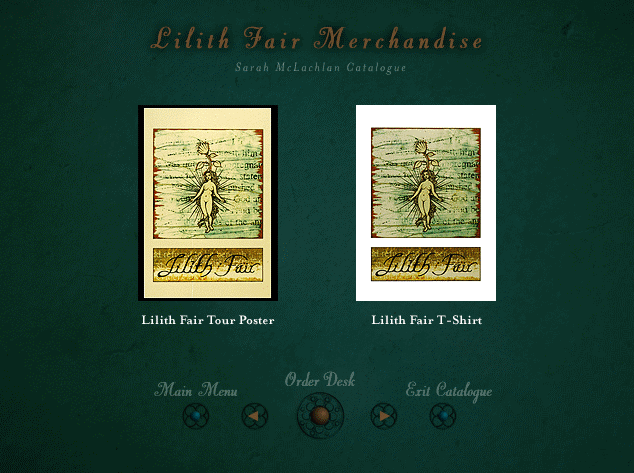
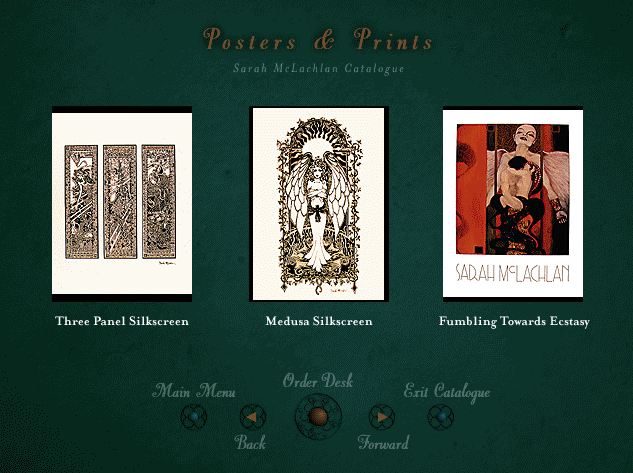
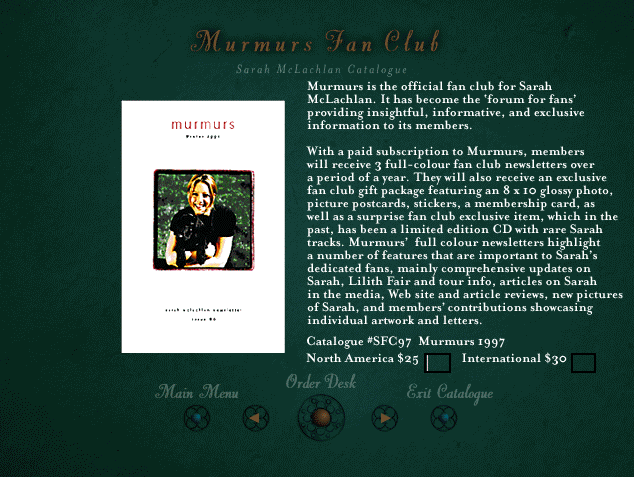
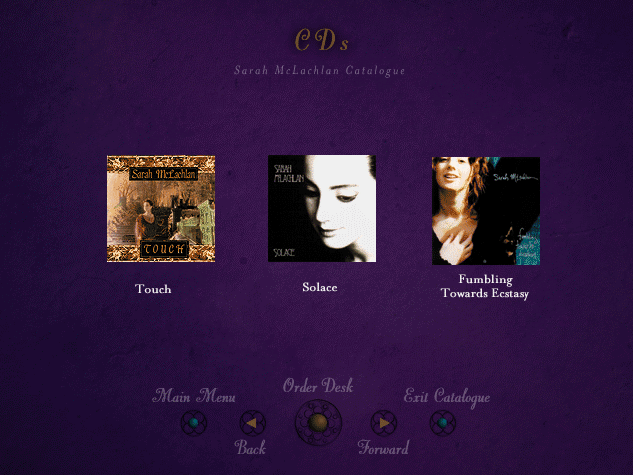
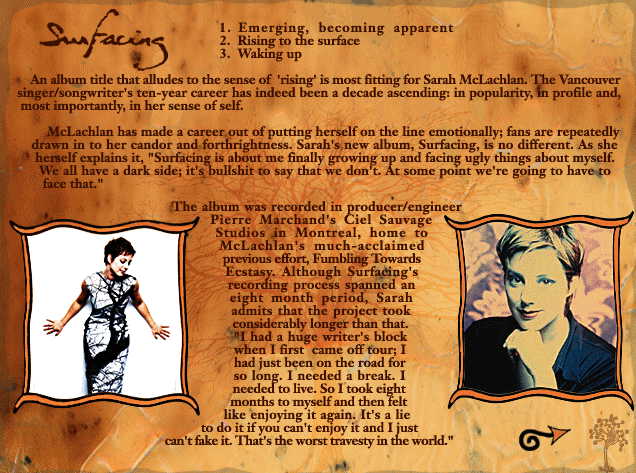
Yesterday was the last day of Bookstock, a local week-long used book sale that’s held at a nearby mall to raise additional money for Detroit schools. It was rainy and crummy outside so I went that and ended up picking up a lot of cds from the 90s and 00s from artists like Enya, Tori Amos, Zero 7, Midnight Oil, Mazzy Star, and Sarah McLachlan. On top of the cds already being cheap, everything was also half off so they could get rid of as much as possible. Of course I ripped all the cds to my plex server while reading the booklets, something I really enjoy from the cd era. What no one told me though, and I guess why would they, is that Sarah McLachlan’s album Surfacing is a fucking multimedia cd-rom??
It will probably surprise no one that I absolutely lost my shit when I realized this and it made me so happy with absolutely no irony. You can choose between two applications. There’s the catalogue where you can look up various items to order, like cds, prints, vhs tapes, and jewelry. There’s also an electronic press kit about all of her albums.
I realize that I’m the only person getting excited about this in 2025 but man, those colors and fonts! I wish most cds had done this. I can’t remember if I’ve mentioned that I’ve leaned much more into cd collecting this last year but making a Plex server really pushed me into it. I still get to have a nice little physical piece of art to accompany the music but it’s so much cheaper than having a vinyl record, which is the opposite of how things were when I had started collecting records. I don’t know if I buy that Gen Z is going to bring back the cd format but I have been having fun picking up cds at an incredibly low cost and have even bought a few through Bandcamp as well. Anyway, if you’re a musician reading this, have you considered paying a developer to put together a little program listing all of your works, biography, maybe song clips, video, and all that with your album? Because I will be the first in line to buy your album if you do.
By contrast, this is what I get when I put in the Zero 7 album. Boooooooo
It’s Good Stuff Saturday! The day when you post “good stuff” on someone’s Itch (or other art) page!
I did not invent the day. I think I posted one time about how you should post “good stuff” on someone’s Itch page instead of just giving 5 stars and it morphed into that elsewhere. Giving 5 stars/a positive review is also very good and nice but it always makes me happy when I get a nice comment on a game I make too.
You do not literally need to post “good stuff.” It’s probably actually better to post a more thoughtful comment than that, but consider taking the time to say something nice about someone’s game (Itch.io/Steam), music (Bandcamp), or other art. I don’t think comments on Itch and Bandcamp have any algorithm boost, it’s just to make someone feel good about their art.